$7.99 incl. VAT
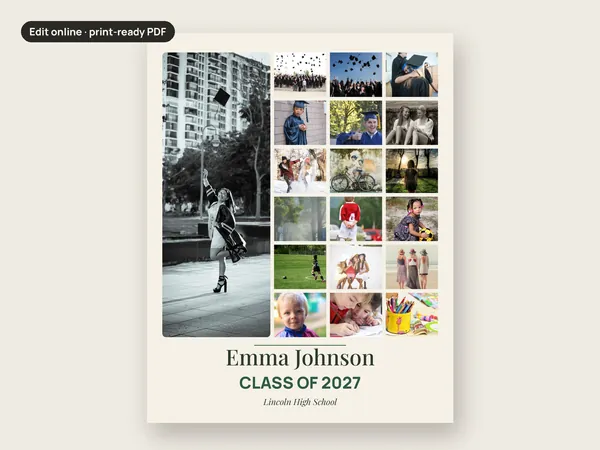
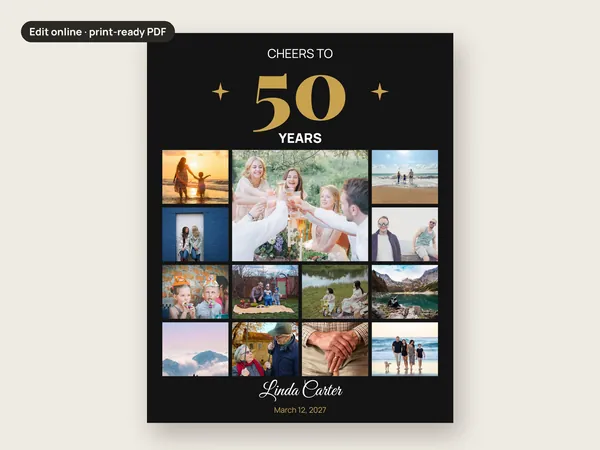
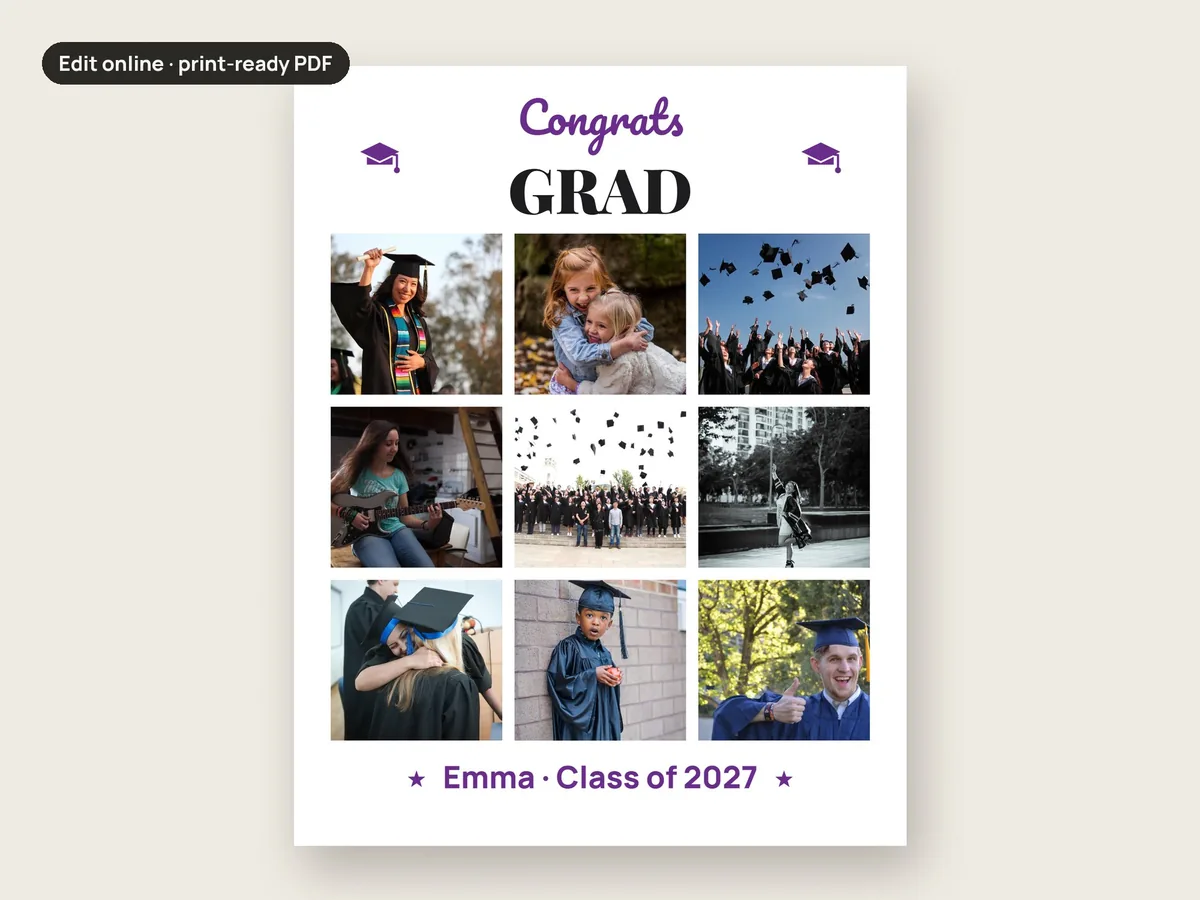
Congrats Grad Photo Board, 9 Photos, Printable
- Personalize online with your photos and words, no app needed
- Free preview: you pay only when your design is ready
- Print-ready PDF at the real size, right after payment
Opens the designer with this design. Nothing to install.
Photo a bit small or blurry? The designer tells you when a photo is too small for the size you print, and sharpens it for you with one tap, free.
Item details
Nine big photos under a cheerful Congrats Grad, for the party table or the front door.
What you get
- Nine big photos with Congrats Grad, caps and confetti
- Name, class year, school and every other word yours to change
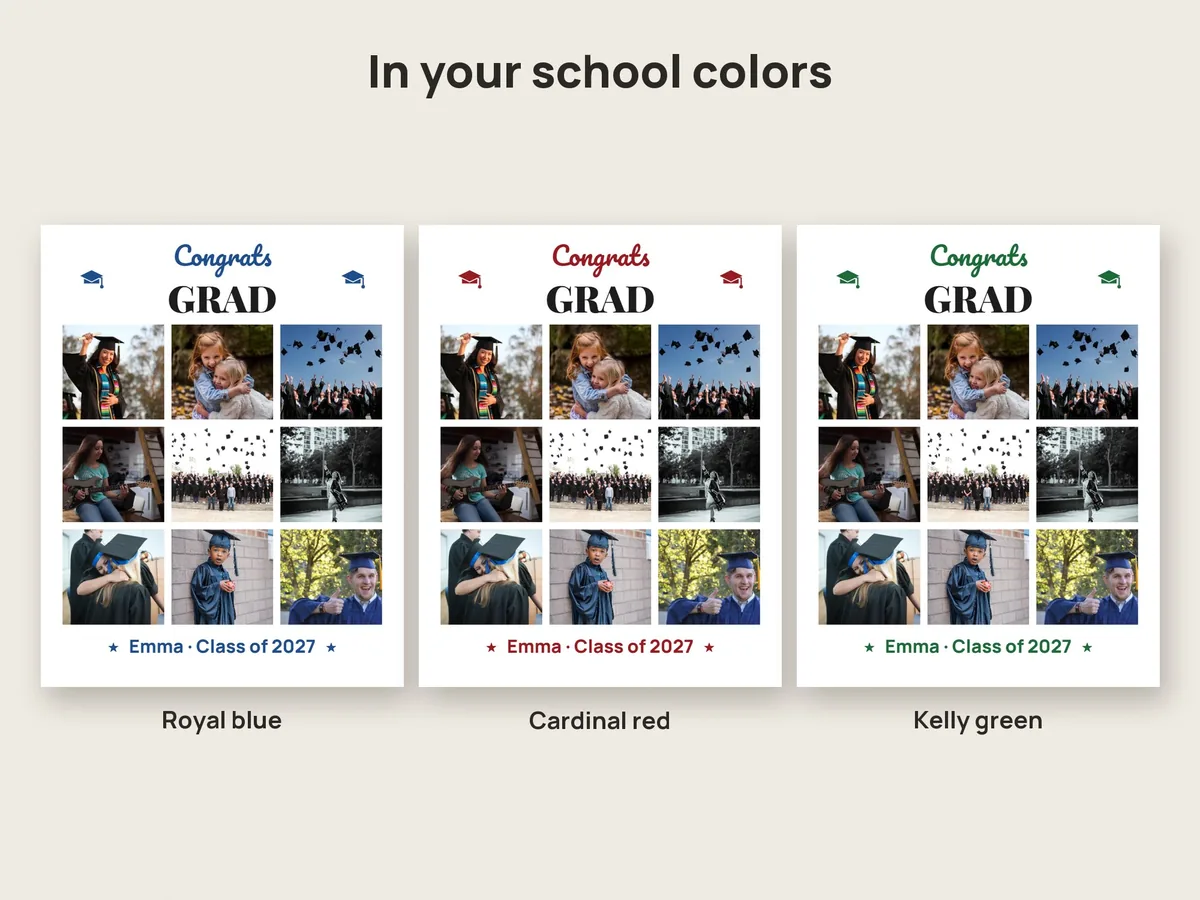
- School color picker and black-and-white photo switch
- 11 x 14, 16 x 20, 18 x 24 or 24 x 36 inches
- A print-ready PDF at the real size
How it works
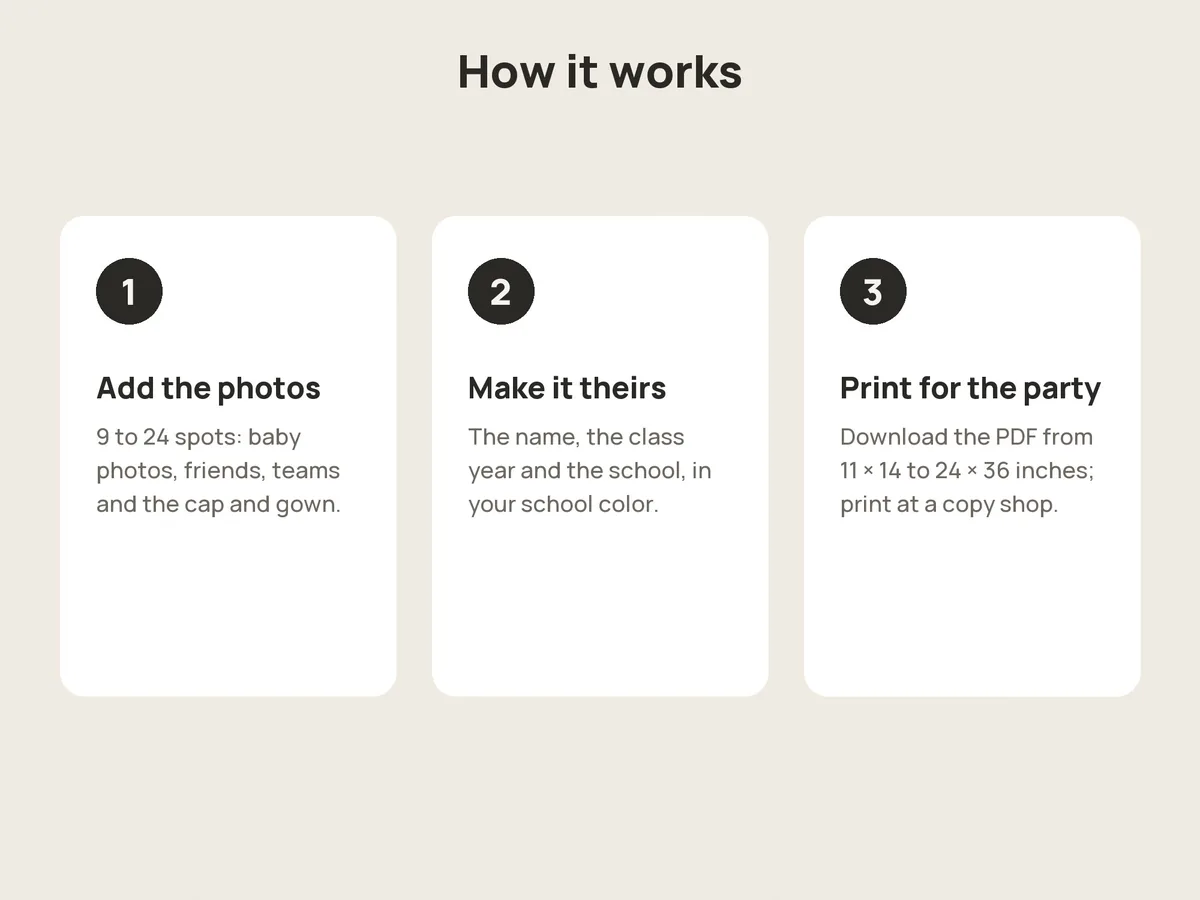
- Tap Personalize this design. It opens with sample photos and words.
- Add your photos, then tap any text to change it. Pick the size and colors.
- Download the free preview to check it, then pay and download the print-ready PDF.
Full guide to graduation photo collages · Graduation party photo display ideas
Delivery and printing
This is a digital product: nothing is shipped. Your PDF downloads right after payment, and the link is also in your order email.
For a sharp print, use photos of about 300 pixels per inch for cards and 150 for posters. A smaller photo can be enlarged free with our photo upscaler.
Print at home, or send the file to a print or copy shop such as Staples, FedEx Office, Walgreens or CVS. You can also send it by email or in any chat.
Questions
How can I use it?
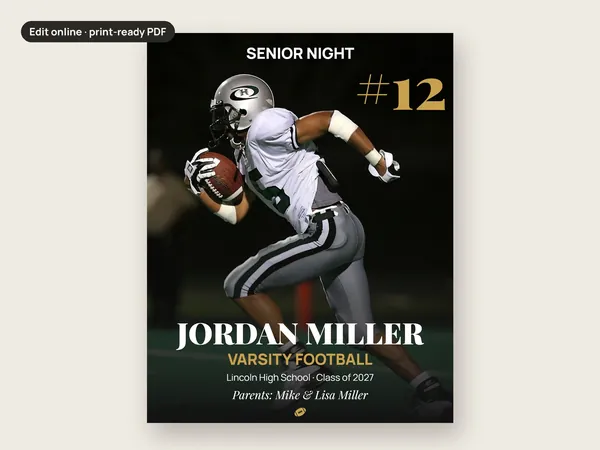
On an easel at the graduation party or open house, by the guest book or the gift table, on the front door to welcome guests, at a senior night or a school banquet, and afterwards framed in their room. A smaller print makes a gift for grandparents.
How many photos do I need?
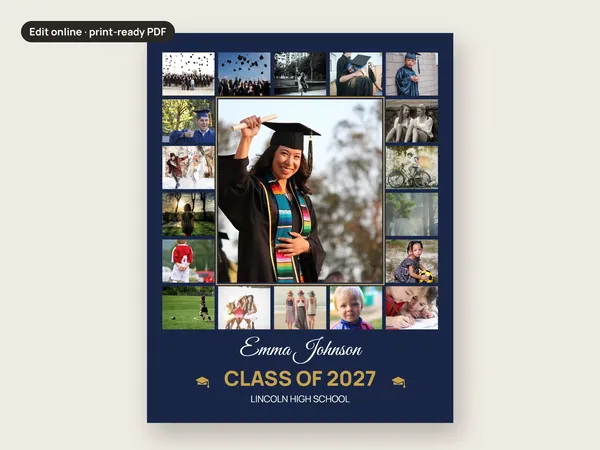
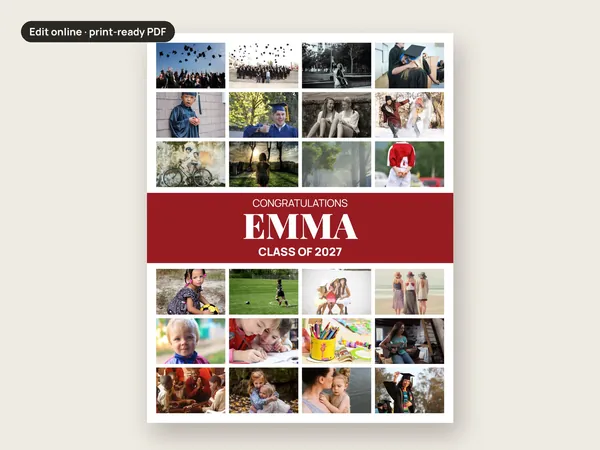
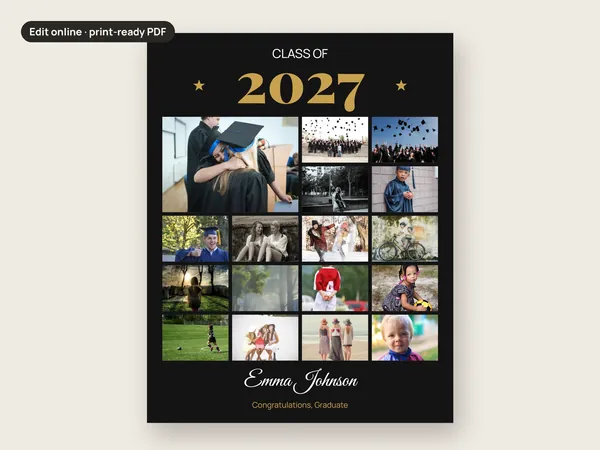
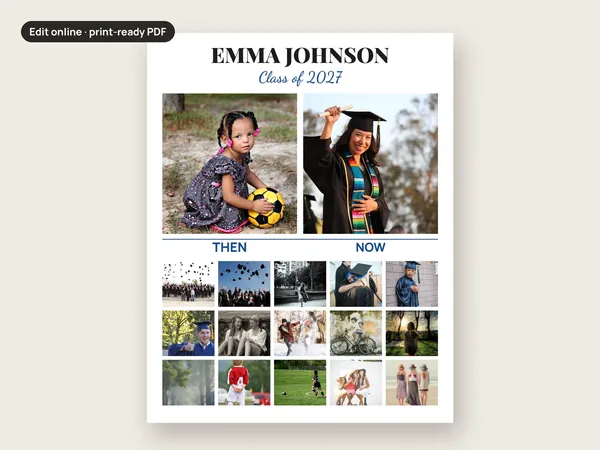
Between 9 and 24, depending on the design: 9 on the Congrats Grad board, 17 on the year and then-and-now designs, 19 to 24 on the others. An empty spot prints as a plain light square, so fill every spot or use a favorite photo twice.
Can I use our school colors?
Yes. Pick the school color with one tap: the banner, frame, year, caps and lines change to match. You can also change the background color and the color of any line of text.
Which size should I print?
18 x 24 or 24 x 36 inches for an easel or a wall at the party; 16 x 20 for a table; 11 x 14 to frame or give. Photos stay sharp on big posters when they are at least 1000 pixels wide; phone photos are fine.
License and terms
For your own personal use: print as many copies as you need for your event, family and friends. Please don't resell or share the template files. See the license and terms of sale.