
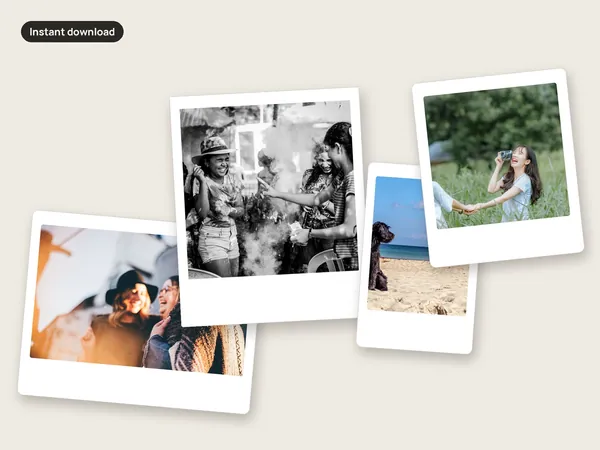
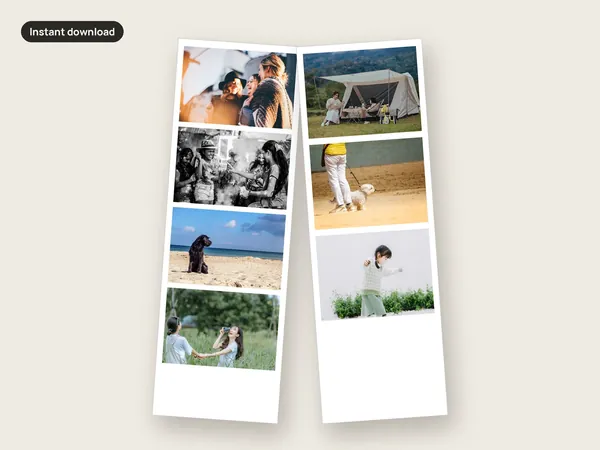
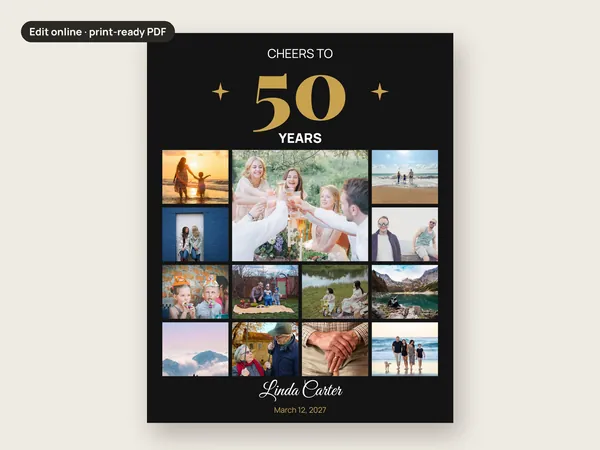
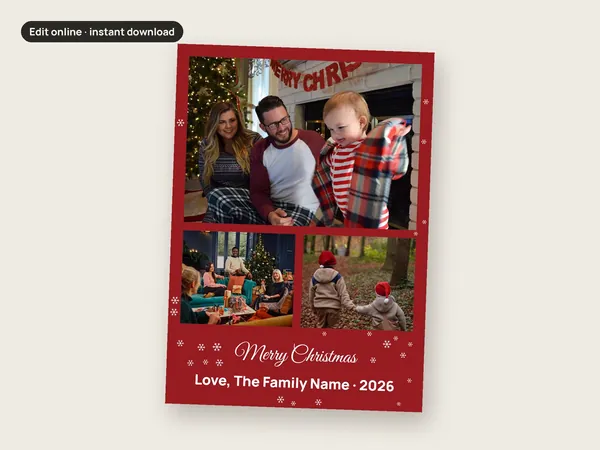
How to make your cover
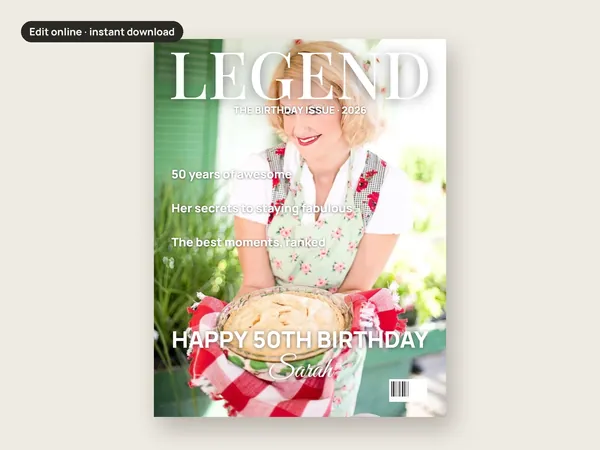
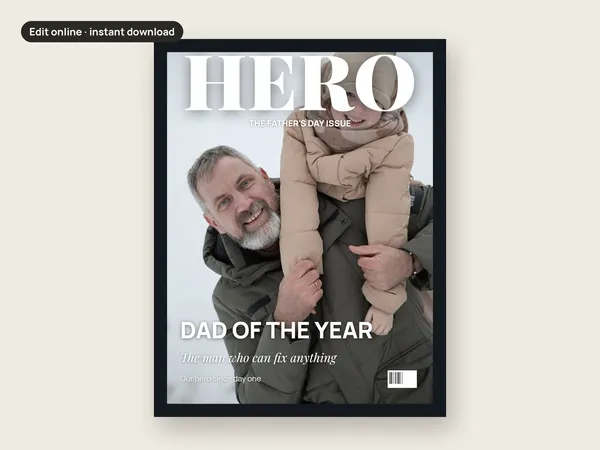
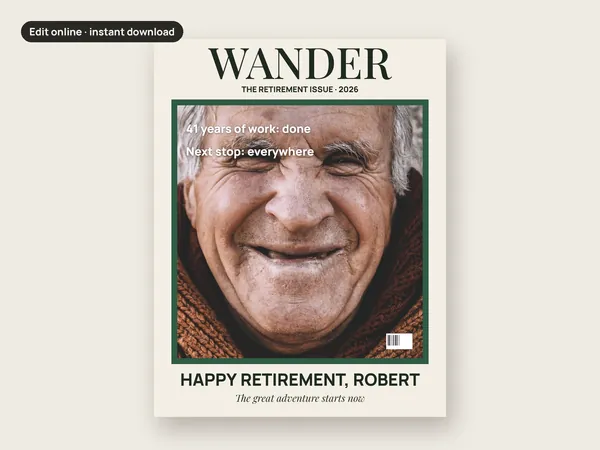
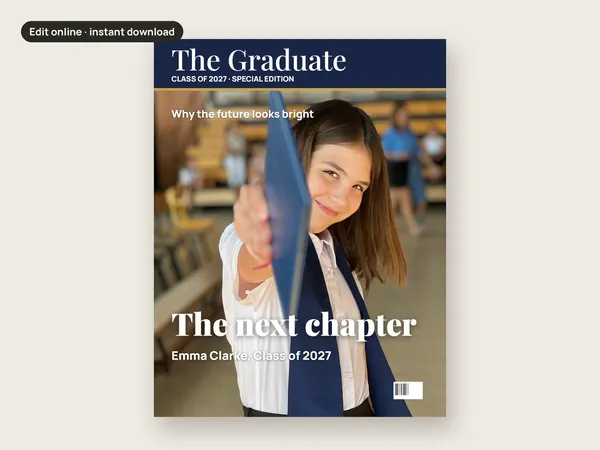
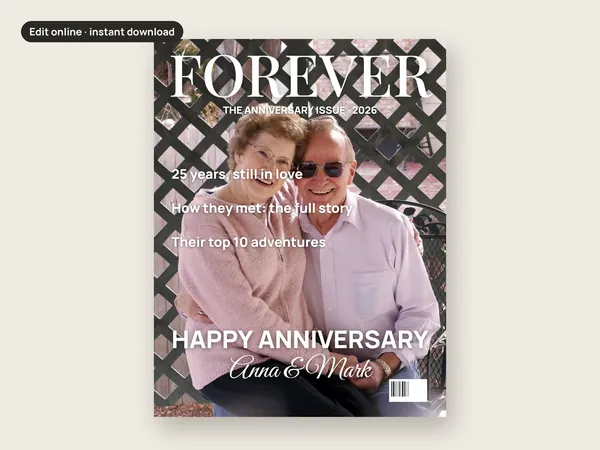
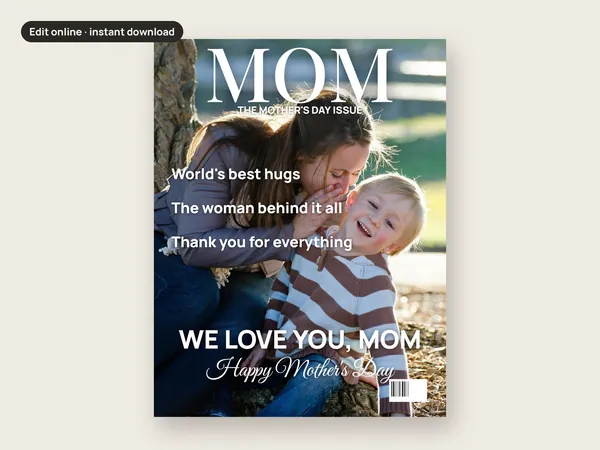
- Choose the cover design (each starts with wording for one occasion) and the size.
- Add the cover photo by tapping the page, then drag and zoom it so the face sits under the masthead.
- Rewrite the cover lines: tap any line and type. Add more lines with Add text.
- Download the PDF and print it at 100%, or order a poster print.
Guide: Funny magazine cover lines for a personalized cover
Questions
What photo works best?
A tall (portrait) photo with the face in the upper half and some space around it, so the masthead and cover lines do not cover the face.
Can I write my own cover lines?
Yes. Every line is text you can change, move, resize and recolor. Start from the birthday, anniversary, graduation, retirement, Father's Day or Mother's Day wording.
Which cover design should I pick?
Classic for a full photo with lots of cover lines; news weekly for one big headline inside a thick border; explorer for a framed photo on a light page; business weekly for a title band and a serious-looking headline. You can switch between them while you edit.
What size is it?
US Letter or A4 like a real magazine, or an 11 x 14 inch poster for the party table.
How can I use it?
As a birthday or retirement gift in a frame, a welcome sign or table decoration at the party (11 x 14 poster), the front of a card everyone signs, or a cover for a photo book or scrapbook.
I don't have a printer. Can I still use it?
Yes. Save the file to a USB stick or email it to a print or copy shop near you, such as Staples, FedEx Office, The UPS Store, Office Depot or a local copy shop. Ask for the PDF on thick paper or cardstock; for the poster size, ask for an 11 x 14 inch print. Ask them to print at 100% (actual size), not fit to page. Most do it while you wait, for a few dollars.
Can I send it digitally?
Yes. Email the PDF or send it in WhatsApp, iMessage, Messenger, Telegram, Viber, Signal, Instagram or any other chat, or post it on the big day. To have it show as a picture right in the chat instead of a file, open it on your phone and take a screenshot, then send that. It is a fun way to surprise someone who lives far away.