
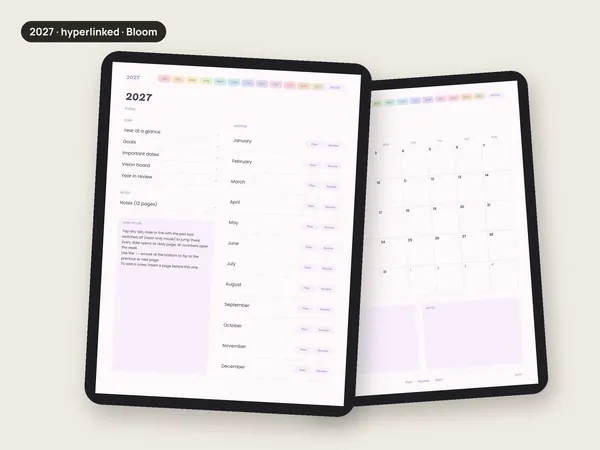
How to start using your planner
- Download the ZIP and open the Start Here user guide.
- Choose your file: Monday or Sunday start, with or without Google Calendar buttons.
- Import it in GoodNotes (+ New, Import), Notability, Noteshelf, Samsung Notes or Xodo.
- Tap to move, write to plan: tabs and dates jump between pages; switch the pen on to write.
What is inside
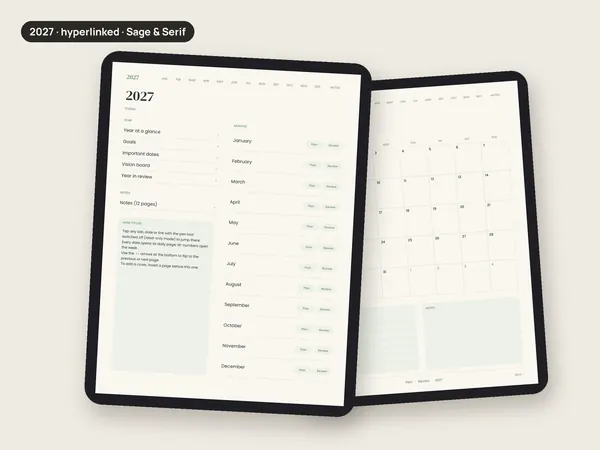
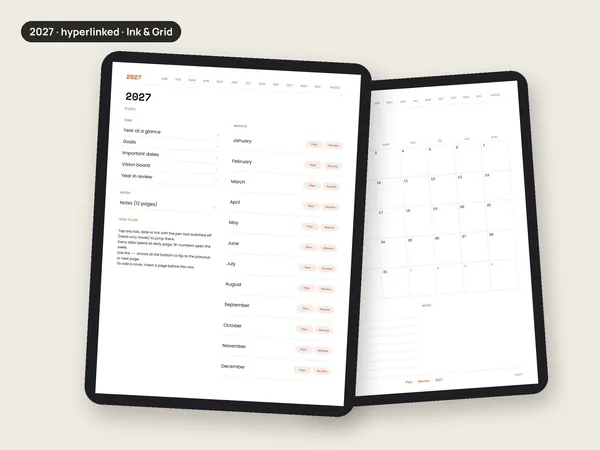
- Year: index, year at a glance, goals in six life areas, important dates, vision board, year in review.
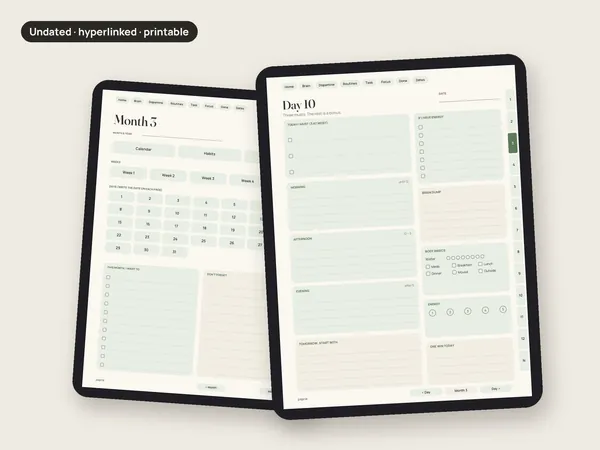
- Months: a calendar, a plan with priorities and a 31-day habit tracker, and a review.
- Weeks: seven days with priorities, habits and notes, and a weekly review.
- Days: all 365, each with a schedule from 6 am to 10 pm, top 3, to-do list, gratitude, mood and water, and notes.
- Notes: 12 dot-grid pages.
Prefer paper? Make a 2027 photo calendar with your own photos.
Guide: How to use a digital planner on an iPad or Android tablet
Questions
Which apps does it work in?
Any note app that opens PDF files and keeps their links: GoodNotes, Notability and Noteshelf on iPad, Samsung Notes and Xodo on Android, and Microsoft Edge on a computer. Import the PDF, then write with your pen or finger.
How do the links work?
Every page has the month tabs and the year at the top. Tap a month, a week number or a date to jump to it. In GoodNotes, links work when the pen is off (read-only mode); turn the pen on to write.
What is inside?
An index, the year at a glance, goals, important dates, a vision board and a year in review; for every month a calendar, a plan with a habit tracker and a review; every week with a review; a page for every day of 2027 with a schedule, top 3, to-do list, gratitude and notes; and 12 note pages with a dot grid.
Monday or Sunday start?
Both are in the download. The Google Calendar versions add a small button on each day and hour that opens Google Calendar with that date filled in, so you can add an event in one tap.
Can I print it?
Yes, it is a normal PDF, but it is made for a tablet: about 525 pages, sized for an iPad screen. For paper, print only the pages you need.
Do I need a special app or account?
No. Any free PDF note app works. The user guide in the download shows how to import it in GoodNotes, Samsung Notes, Xodo and Edge.