
How to make your funeral program
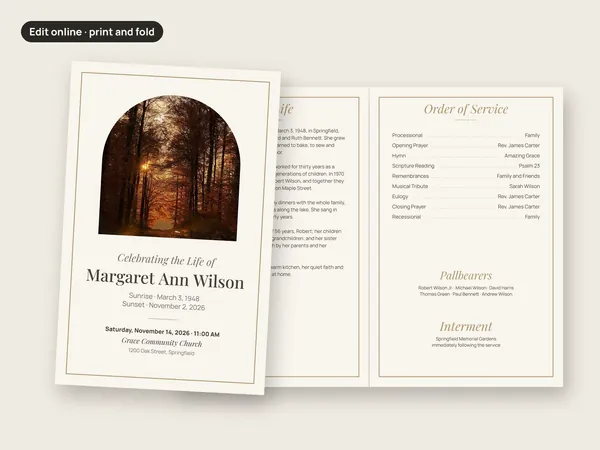
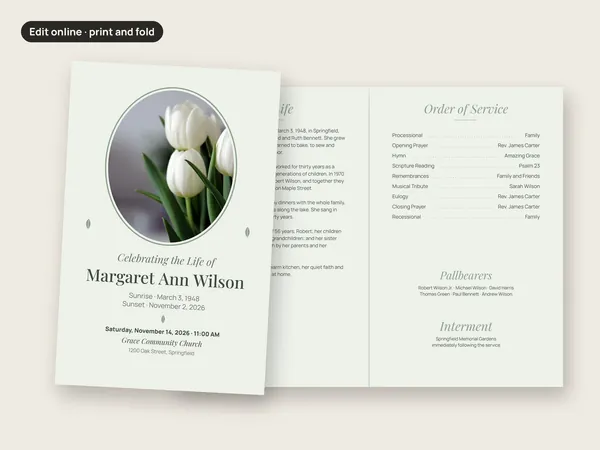
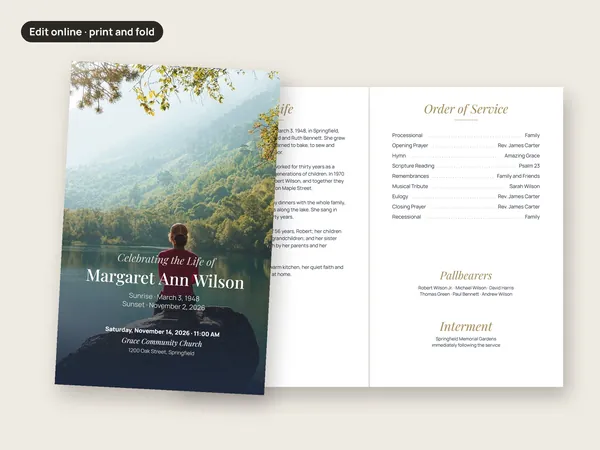
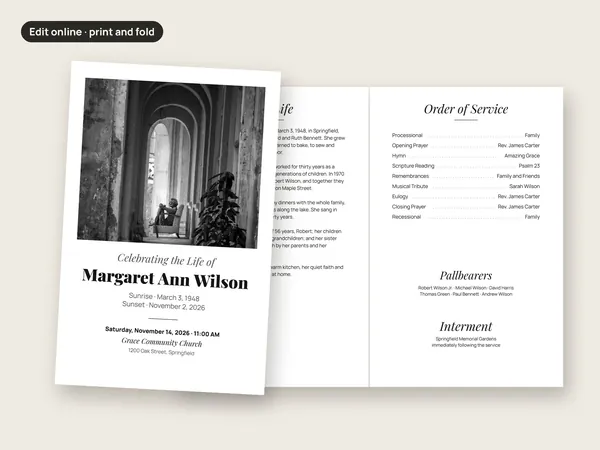
- Choose a design and size: arch photo in ivory and gold, oval photo in sage, a full photo cover in navy, or simple black and white; folded 5.5 x 8.5 or 8.5 x 11 inches.
- Add the photos: one for the cover and three for the back.
- Fill in each page: tap a page under the preview, then tap any text. Write the obituary, the order of service (one line per part: Opening Prayer ... Rev. James Carter), the pallbearers and the verse.
- Download the PDF, print both sides and fold.
A typical order of service
- Processional, opening prayer or words of welcome, a hymn or song.
- Scripture or poetry reading, remembrances from family and friends, a musical tribute.
- Eulogy, closing prayer or words, recessional, then the committal or interment.
- For a celebration of life: welcome, a slideshow, shared stories, a favorite song and a toast.
Wording ideas
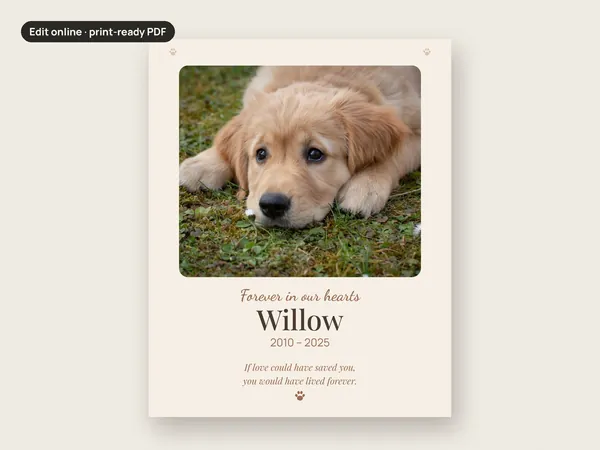
- Cover: In Loving Memory; Celebrating the Life of; A Life Well Lived; Forever in Our Hearts.
- Dates: Sunrise and Sunset, or simply the years (1948 – 2026).
- Back: a short thank-you from the family, their favorite saying, and where the reception is.
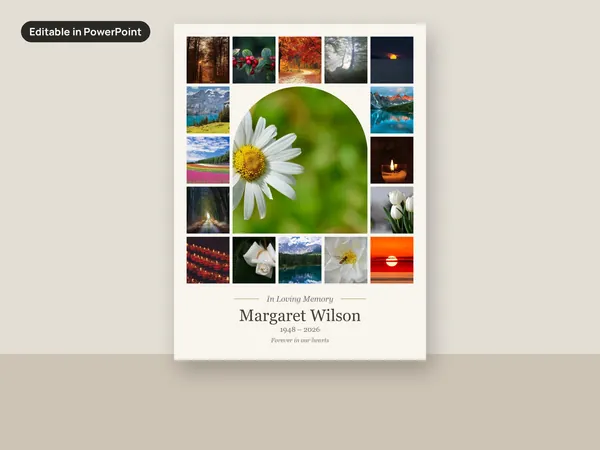
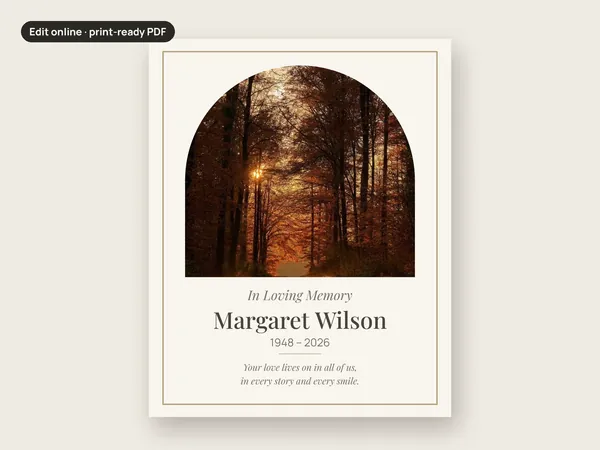
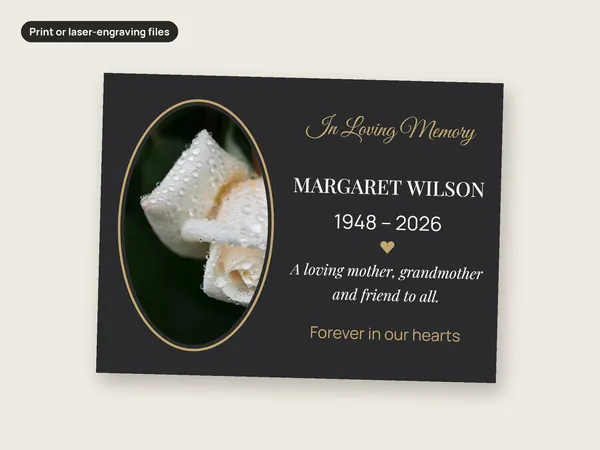
For the easel at the service, see memorial signs and memorial photo collages.
Guide: How to write an obituary for a funeral program
Questions
What is in a funeral program?
The cover has the photo, the name, the dates (often as Sunrise and Sunset) and the time and place of the service. Inside are the obituary and the order of service, with the pallbearers and the interment. The back has a verse or prayer, a few more photos, a thank-you from the family and details of the reception.
How can I use it?
Hand it to guests as they arrive at the funeral, memorial service or celebration of life. Families also keep extra copies in a memory box, send them to relatives who could not come, and slip one into thank-you cards.
How do I print it?
Choose Folded booklet: the PDF has 2 sheets. Print them on both sides of one sheet of paper (US Letter for the 5.5 x 8.5 program, 11 x 17 for the 8.5 x 11 program), with the setting Flip on short edge, then fold in half. Print one copy first to check, then the rest. Choose 4 single pages if a print shop makes the booklet for you.
How many should I print?
One per family or couple expected, plus 10 to 20 extra for keepsakes. As a guide, 75 to 150 for most services.
I don't have a printer. Where can I print it?
Email the PDF or bring it on a USB stick to a print or copy shop near you, such as Staples, FedEx Office, The UPS Store or Office Depot. Ask for double-sided printing on card stock or heavy paper, folded. Many print programs the same day.
The obituary is long. Will it fit?
Yes. The text gets smaller as you write so it stays on its page. If it gets too small to read, shorten it a little, or choose the 8.5 x 11 size, which has more room.
Can I share it digitally?
Yes. Email the PDF or send it in WhatsApp, iMessage, Messenger, Telegram or any other chat to family who cannot attend, or post it with a livestream link. To have it show as a picture in a chat, open it on your phone and take a screenshot of the cover, then send that.