
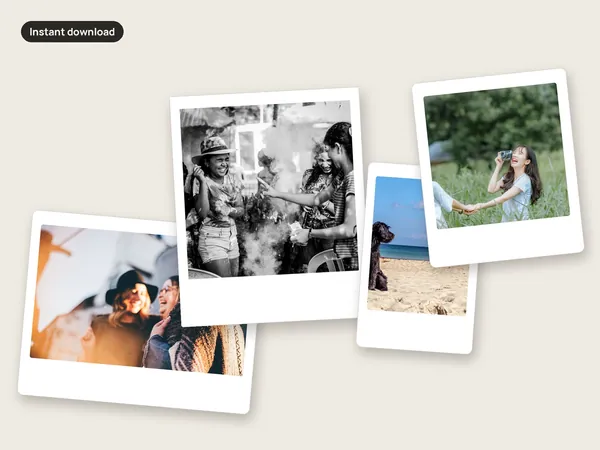
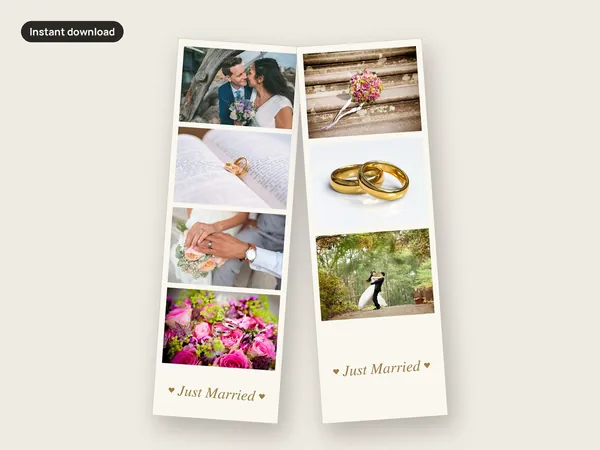
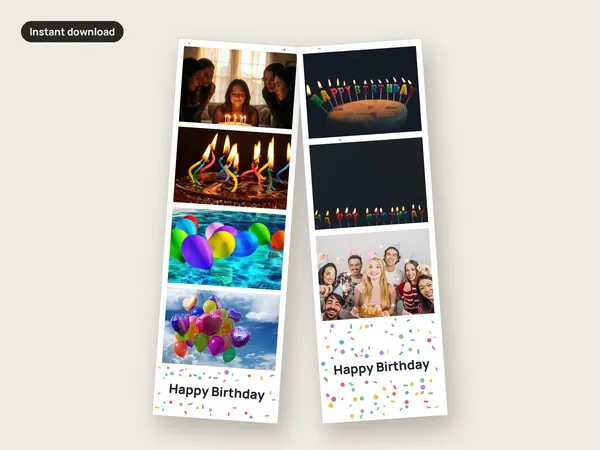
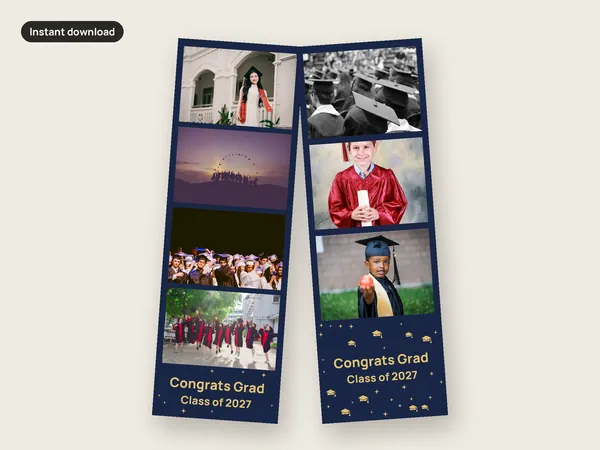
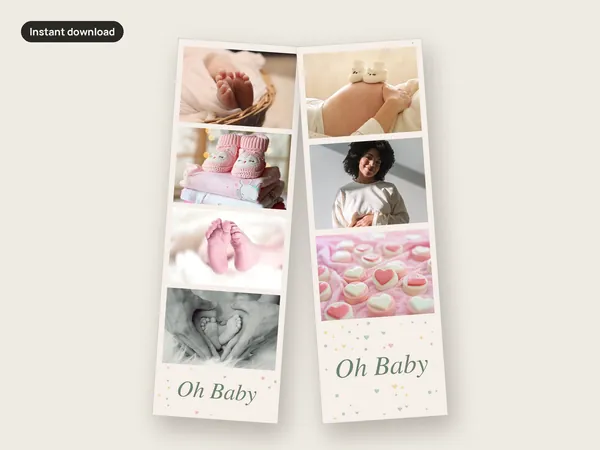
Layouts and sizes
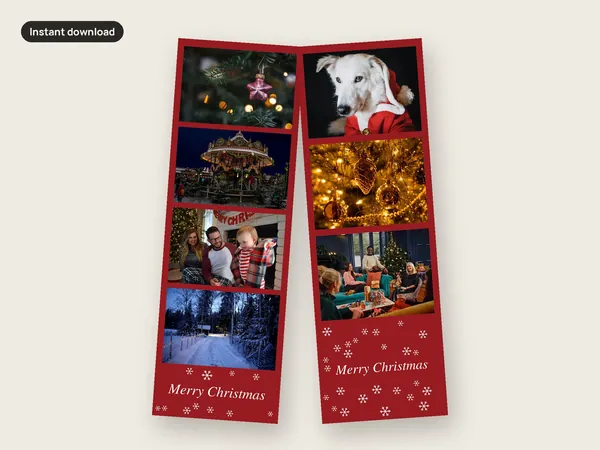
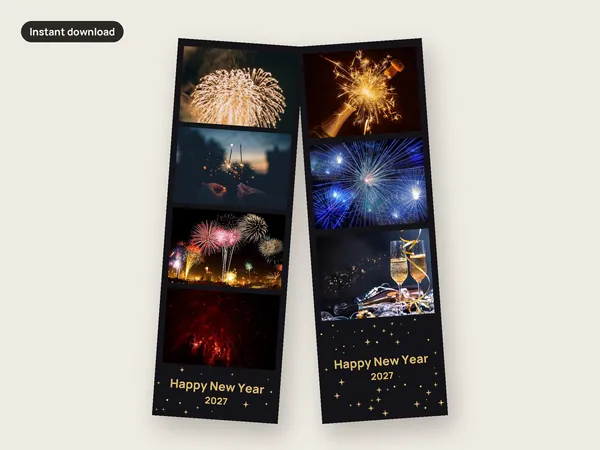
| Layout | Strip | Each photo | Caption space |
|---|---|---|---|
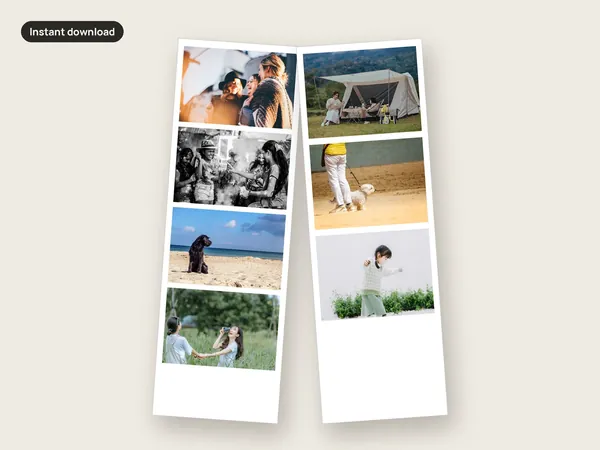
| 4 photos | 2 × 6 in | 1.8 × 1.2 in (3:2) | 0.84 in |
| 3 photos | 2 × 6 in | 1.8 × 1.35 in (4:3) | 1.63 in |
Each layout comes as a single strip, as two strips on a 4x6 photo print, and as a full US Letter sheet and a full A4 sheet of three strips.
How to make your strip
- Open the 4x6 file (for a photo lab) or a sheet (for your own printer) in Canva, Word, PowerPoint, Google Slides or a photo app.
- Put your photos behind the strip and move each one into its window. Phone photos are 4:3, so the 3-photo strip fits them with almost no cropping.
- Add names or a date in the caption space if you like.
- Print: order a 4x6 print, or print the sheet at 100% on photo paper or cardstock. Cut along the edges.
Ideas
- A DIY photo booth: take the photos at the party, then print strips for guests to take home.
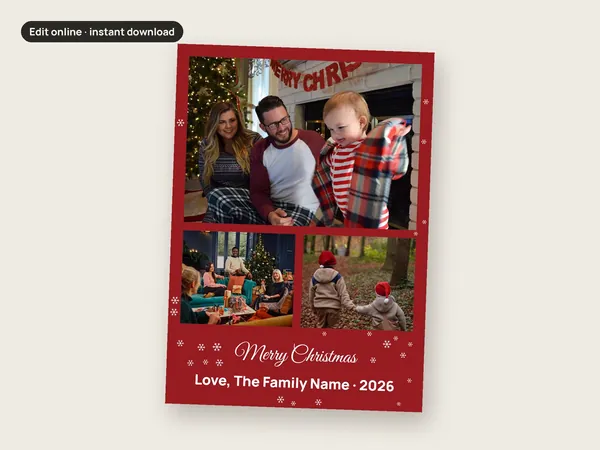
- Bookmarks, fridge magnets or a card insert.
- A wedding guest book with one strip per guest.
Guide: How to make a DIY photo booth for a party
Questions
What can I use them for?
Wedding and party favors, bookmarks, save-the-dates, guest book pages, inserts for a gift or card, and a strip of family photos for the fridge.
What size is a photo booth strip?
2 x 6 inches. Photo booths print two strips side by side on a 4x6 inch photo and cut it in half. Our 4x6 files are laid out the same way.
Should I choose 3 or 4 photos?
Four photos is the classic booth look with a short caption. Three photos gives each picture more room and leaves a larger space for names, a date or a message.
Can I print them at Walgreens, CVS or Walmart?
Yes. Put your photos into the 4x6 file, save it as a JPG and order a regular 4x6 print. Cut it down the middle for two strips.
Can I use them in my photo booth business?
The standard license covers personal use. For a photo booth business, contact us about a commercial license.
Do I need special software?
No. The photo windows are see-through, so any app that layers pictures works: Canva, Word, PowerPoint, Google Slides or a photo editor.
Do I get the files straight away?
Yes. After payment you get a download link on the order page and by email.
I don't have a printer. Can I still use them?
Yes. Save the file to a USB stick or email it to a print or copy shop near you, such as Staples, FedEx Office, The UPS Store, Office Depot or a local copy shop. Or order the 4x6 file as a regular photo print at Walgreens, CVS or Walmart and cut it in half. Ask them to print at 100% (actual size), not fit to page. Most do it while you wait, for a few dollars.
Can I share the strips online?
Yes. Save the finished strip as a JPG or PNG and send it by email or in WhatsApp, iMessage, Messenger, Telegram, Viber, Signal, Instagram or any other chat, or post it. Guests love getting their strip on their phone after the party. Share what you made, not the empty template files.