$8.99 incl. VAT
2027 Digital Planner, Minimal Black and White
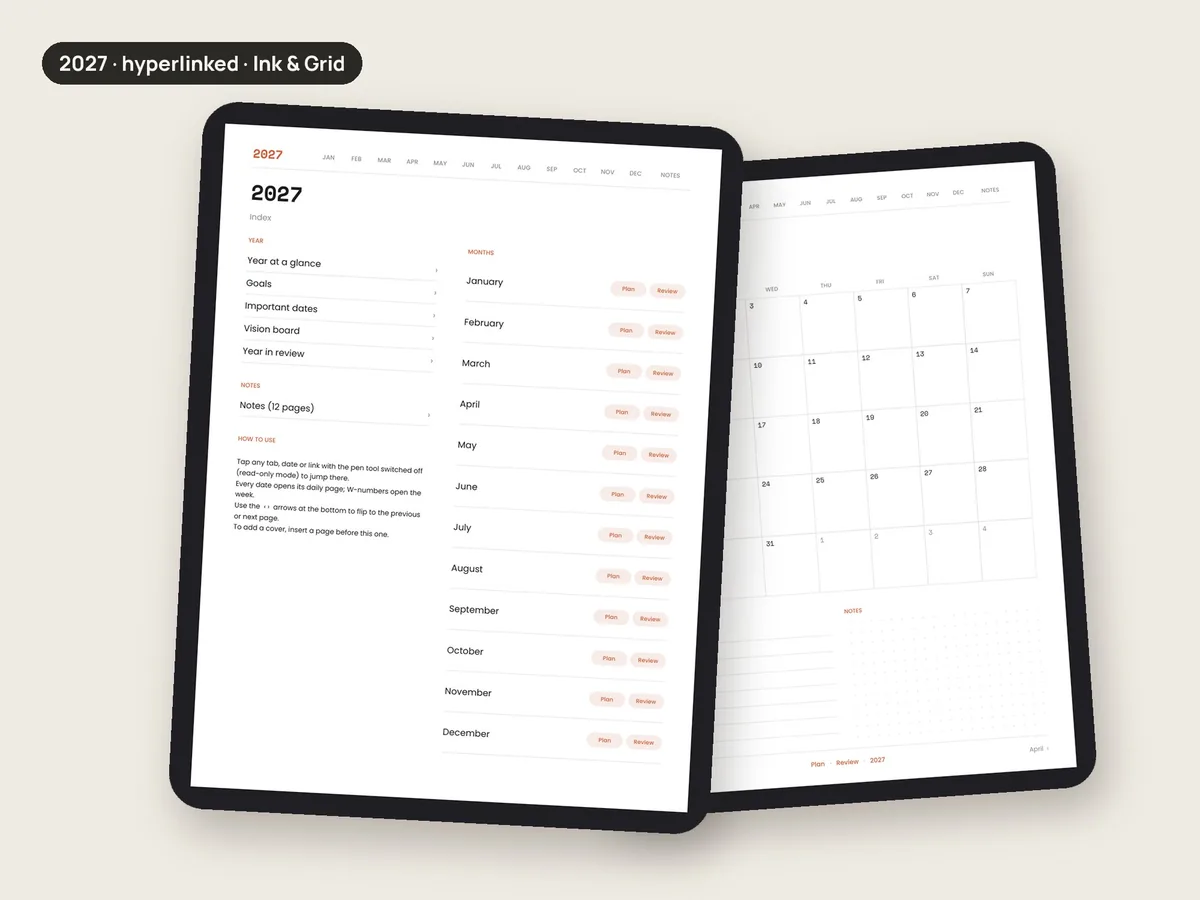
- Hyperlinked: tap a tab, week or date to jump to it
- For your tablet: GoodNotes, Notability, Noteshelf, Samsung Notes, Xodo
- Instant download: Monday and Sunday start included
Our terms of sale and license apply.
Item details
A clean, minimal planner: white pages, black typewriter headings and a terracotta accent. Made for people who like plenty of space to write.
Best for
Plenty of white space: white pages, black typewriter headings and one terracotta accent, with thin underlined month tabs. Fewer colors leave more room for your own handwriting, highlighters and stickers.
What you get
- White pages, typewriter headings, terracotta accent and underlined month tabs
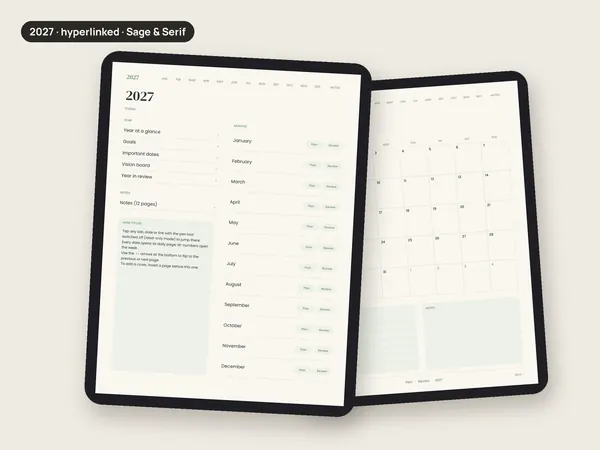
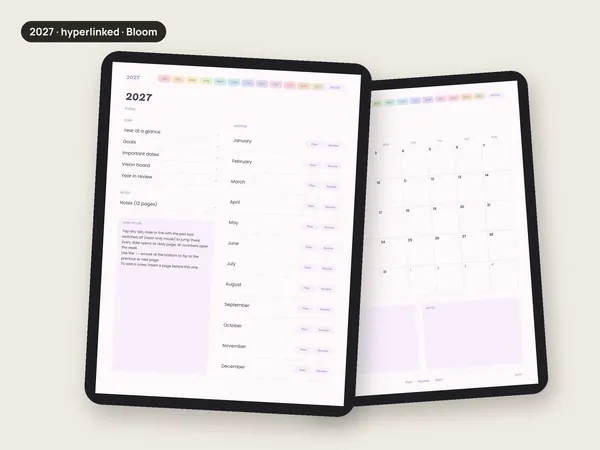
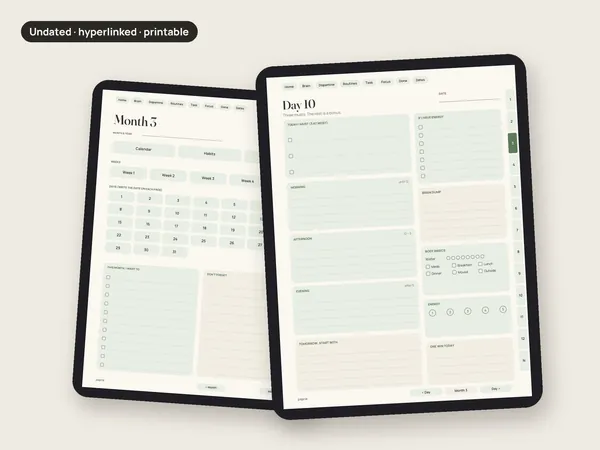
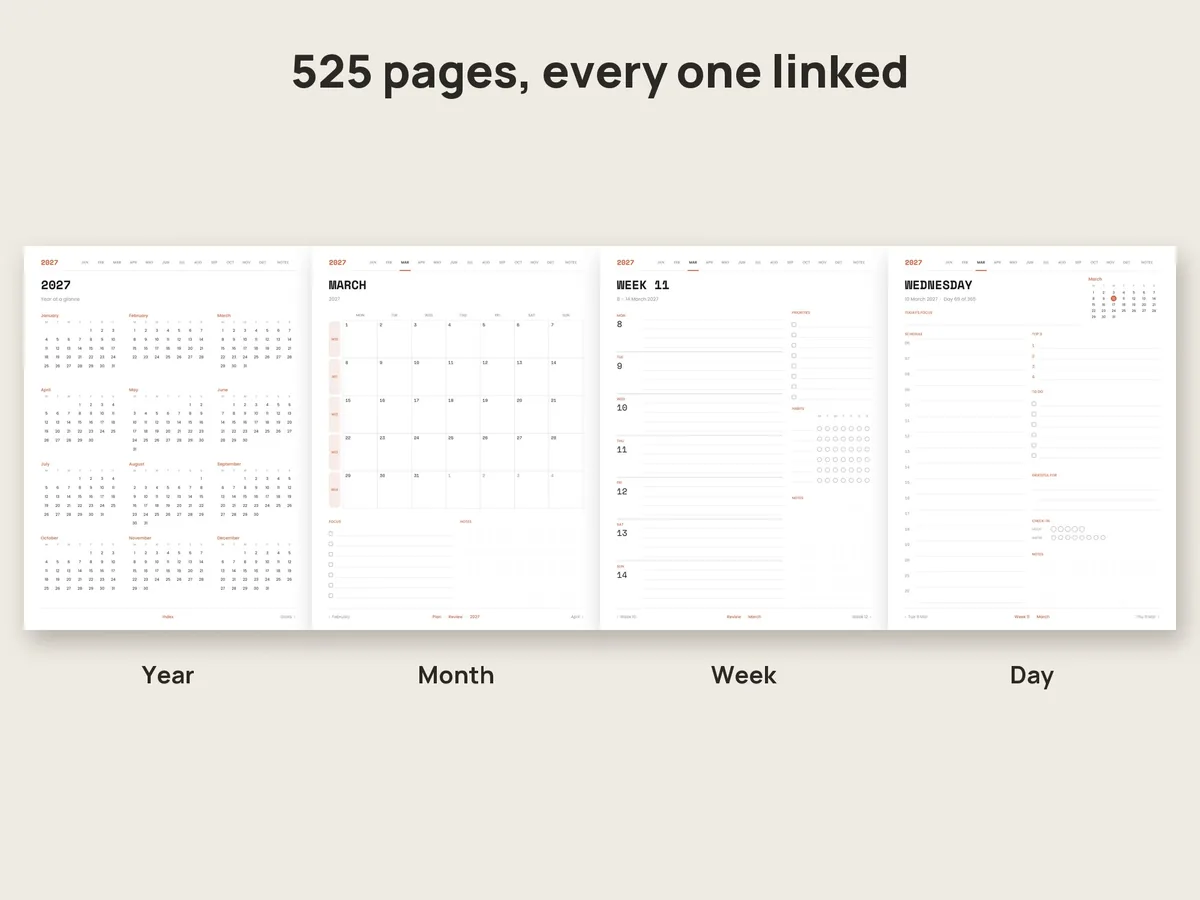
- About 525 hyperlinked pages: year, 12 months (calendar, plan, review), every week, all 365 days and 12 note pages
- 4 PDFs: Monday or Sunday start, each with or without Google Calendar buttons
- Month tabs, week numbers and dates on every page jump to the right page
- A Start Here user guide for GoodNotes, Notability, Samsung Notes, Xodo and Edge
How it works
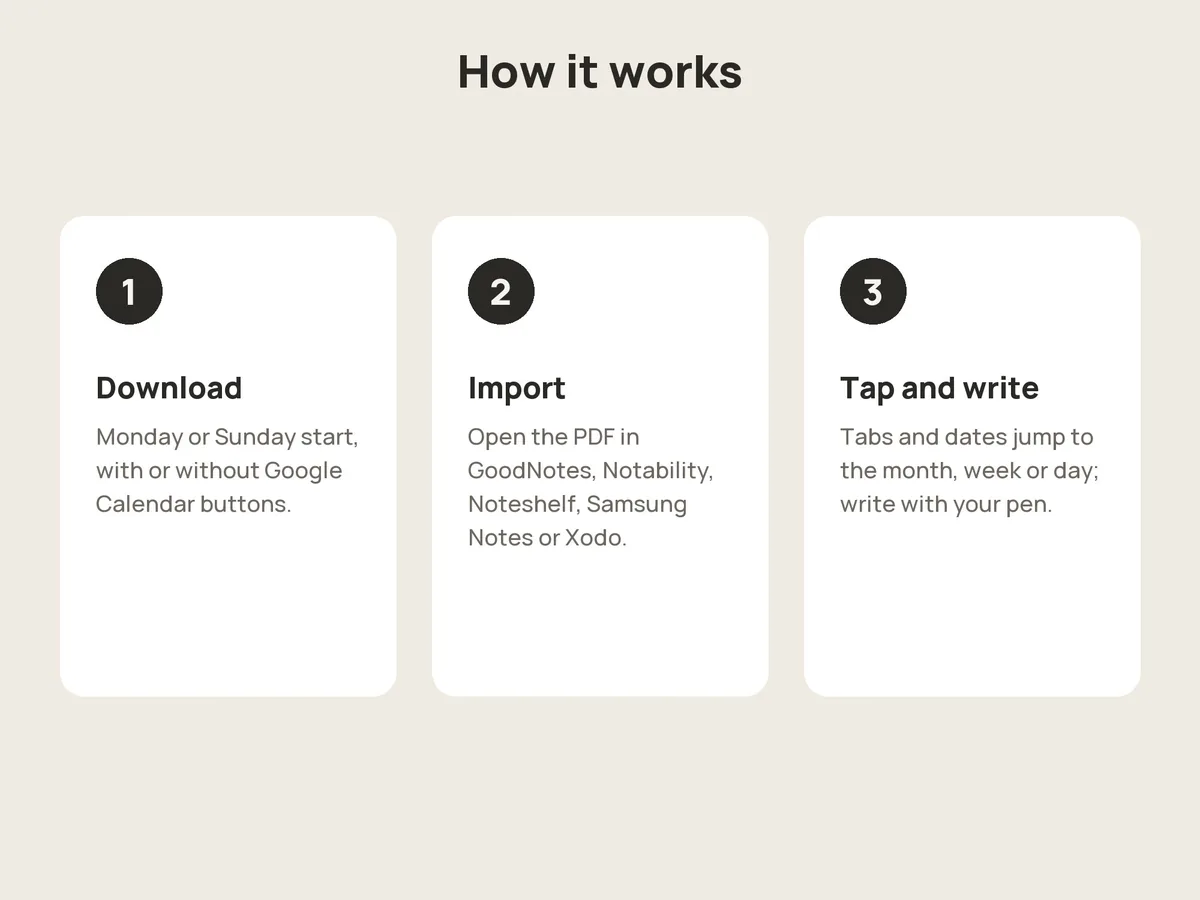
- Buy and download the ZIP file, then open the Start Here user guide.
- Import the PDF you like (Monday or Sunday start) in GoodNotes, Notability, Noteshelf, Samsung Notes or Xodo.
- Tap the tabs and dates to move around; turn the pen on to write.
Full guide to digital planners · How to use a digital planner on an iPad or Android tablet
Delivery and apps
This is a digital product: nothing is shipped. The download link appears right after payment and in your order email.
Open it on your iPad or Android tablet in a note app that keeps PDF links, such as GoodNotes, Notability, Noteshelf, Samsung Notes or Xodo. It is made for a screen, not for printing.
Questions
How is it different from the other two 2027 planners?
Only in the look: the same about 525 pages, links and 4 PDFs as the Sage and Bloom planners, in the plainest style of the three.
Is it good for work?
Yes. The neutral look suits meetings and projects, and every day has a schedule, a top 3, a to-do list and notes.
What are the Google Calendar buttons?
Two of the four PDFs have buttons that open Google Calendar in your browser, to check or add an event while you plan. If you don't use Google Calendar, import a version without them.
License and terms
For your own personal use: print as many copies as you need for your event, family and friends. Please don't resell or share the template files. See the license and terms of sale.